Compatible screens and players
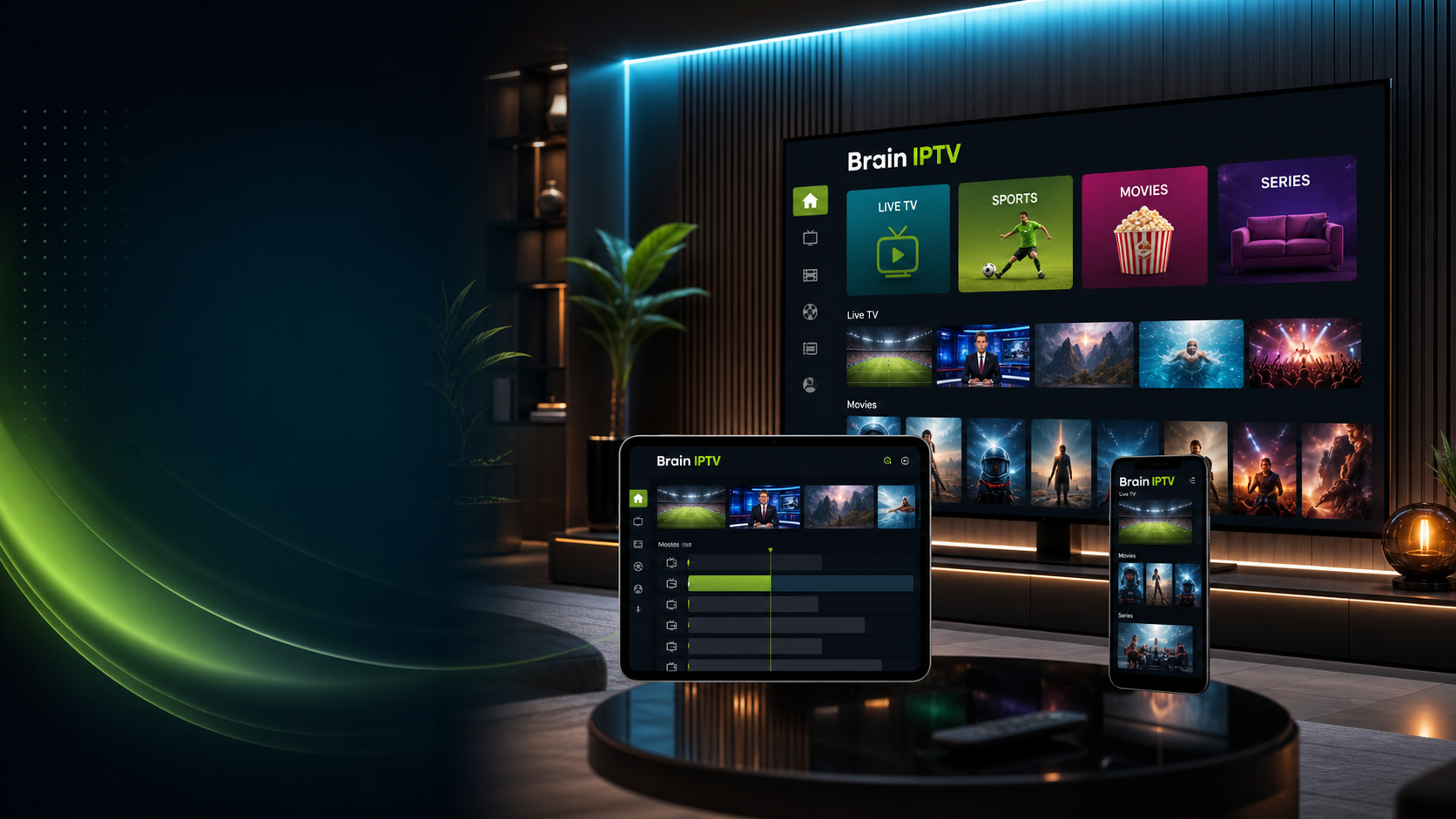
Samsung and LG Smart TVs, Android TV boxes, Fire TV devices, phones, tablets and computers can use compatible player apps. Send the exact device and app name before activation.
Country setup guide
A practical Brain IPTV setup guide for Moroccan homes, with DH plans, Smart TV and Android support, and clear help through WhatsApp or Telegram.
Plan your setup
A reliable setup starts with the right player, a stable connection and accurate device details. Availability always depends on the selected service, plan and content rights.
Samsung and LG Smart TVs, Android TV boxes, Fire TV devices, phones, tablets and computers can use compatible player apps. Send the exact device and app name before activation.
For a stable picture, prefer fibre or a steady 4G/5G connection, use Ethernet or 5 GHz Wi-Fi near the router, and avoid running large downloads while watching.
Set the player timezone to Africa/Casablanca and choose the language categories you actually use. Prices for Morocco are presented in Moroccan dirhams.
Four useful checks
Install a compatible player from the official app store and open it once before contacting support.
Run a speed test on the device and connection that will actually be used for viewing.
Share the country, device model, operating system and exact app name to receive relevant instructions.
Use licensed services and content you have permission to access. Do not share account or device credentials publicly.

