Test your main screen
Use the device you watch most: Smart TV, Fire Stick, phone, tablet or PC.
Free IPTV trial
A trial should help you confirm device compatibility, playback, browsing and support response.
Step guide
Clear information reduces activation mistakes and speeds up the reply.
Use the device you watch most: Smart TV, Fire Stick, phone, tablet or PC.
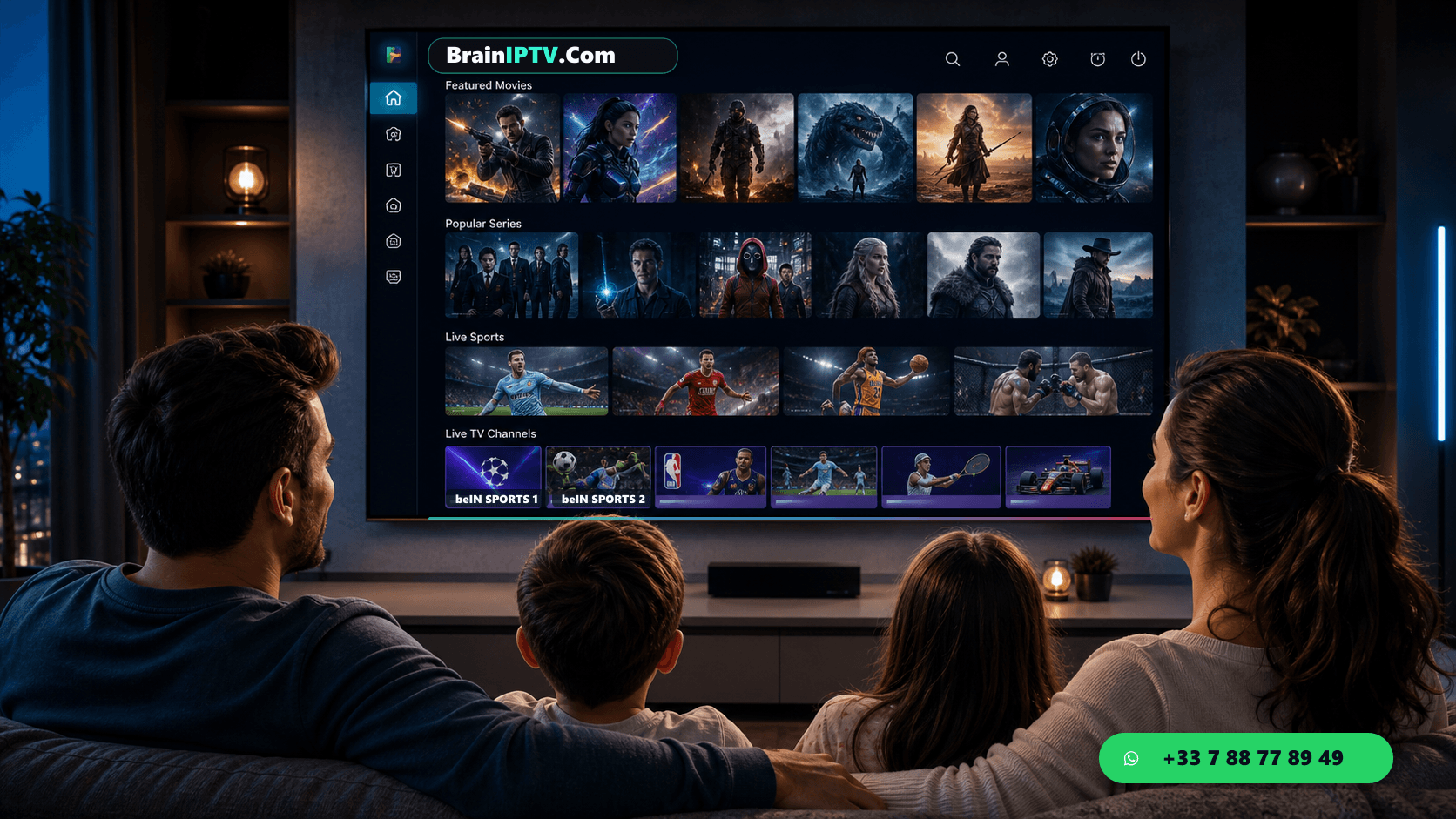
Open live channels, VOD movies, series sections and favorites.
Ask one setup question and see if the answer helps you move forward.
FAQ
Test your main device, live categories, VOD browsing, support response and playback during your usual viewing time.
No service can guarantee every network condition, but a trial helps check your device and connection.

