Check Wi-Fi quality
Use 5 GHz Wi-Fi or Ethernet when possible, especially for HD and 4K streams.
Fire Stick IPTV
A stable connection and a compatible player app make activation faster and support easier.
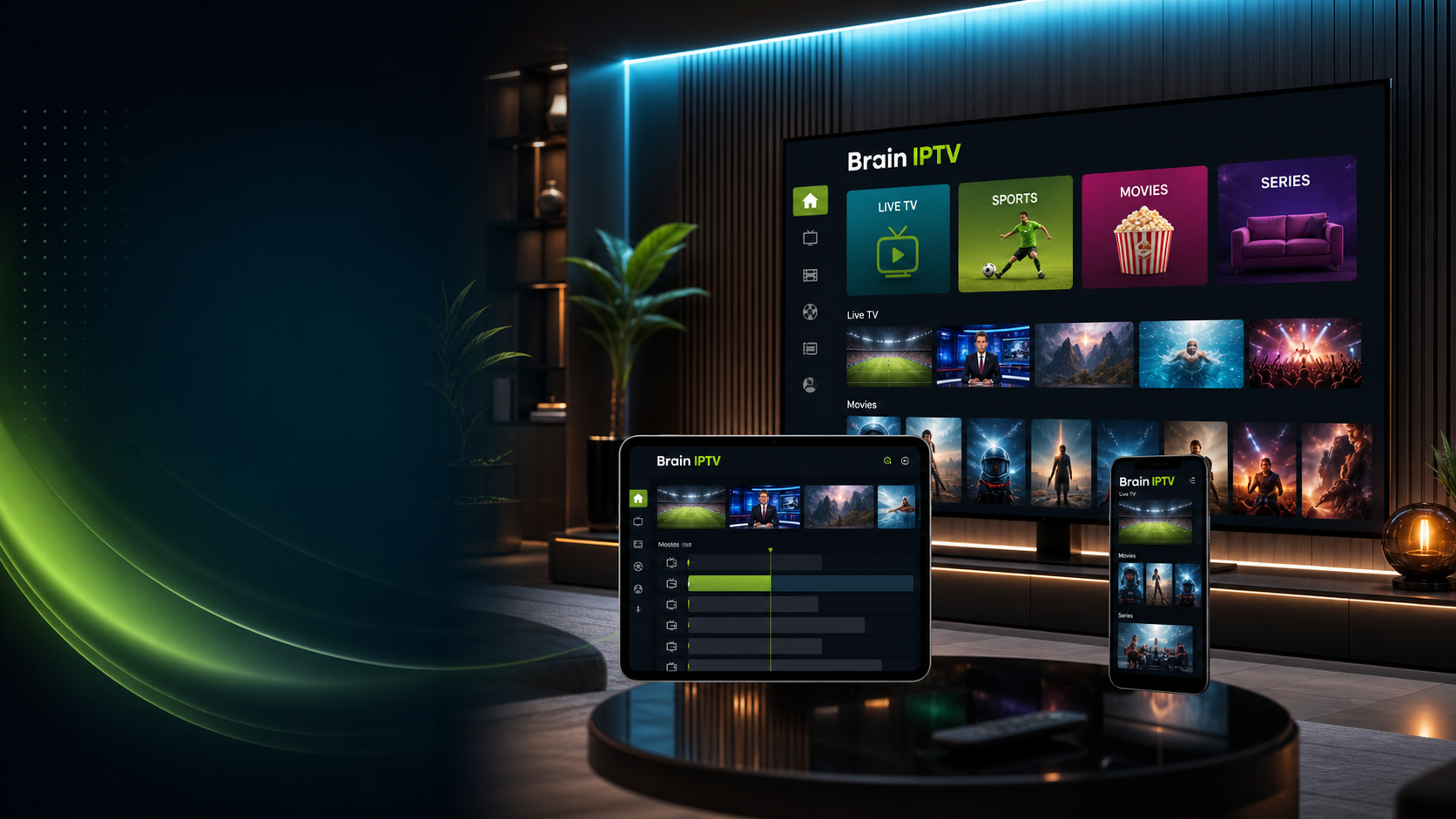
Step guide
Clear information reduces activation mistakes and speeds up the reply.
Use 5 GHz Wi-Fi or Ethernet when possible, especially for HD and 4K streams.
Use a player app that supports the activation method you receive from Brain IPTV.
Keep the TV on, open the app and send a clear photo of the activation screen if needed.
FAQ
Yes, Fire Stick and Android TV boxes can work well when the connection is stable and the app is compatible.
Yes, send your app screen and device type on WhatsApp or Telegram for guidance.

